
 CAD, Construction
 3D Printing
 CAM, CNC
 3D Metrology
 PDM, MES
 Architecture, Construction
 Mechatronics & Robotics
 Image Processing
 Hardware
 CAD, Construction
 3D Printing
 CAM, CNC
 3D Metrology
 PDM, MES
 Architecture, Construction
 Mechatronics & Robotics
 Image Processing
 Hardware & Software
 Mechatronics & Robotics
WEBINAR Recording: Autodesk Moldflow – Simulation Doesn’t Have to Be Expensive
October 2, 2026
Professional injection molding simulation doesn’t have to be complicated or involve high upfront costs. In this webinar, you’ll learn which simulation solution best fits your needs and how you can make informed decisions in part development with a manageable amount of effort.
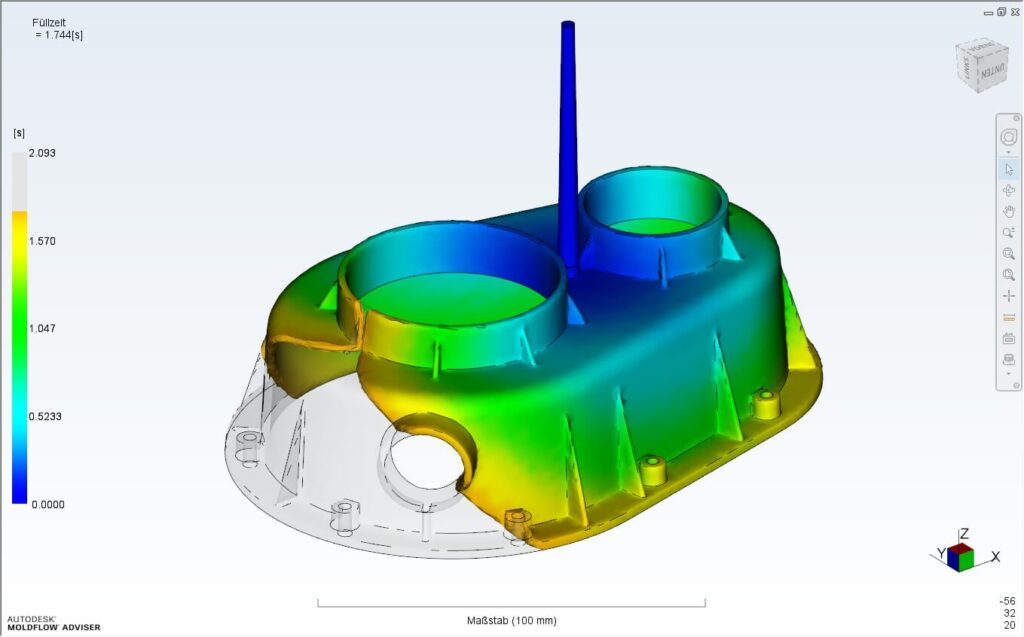
Perfect analysis of plastic
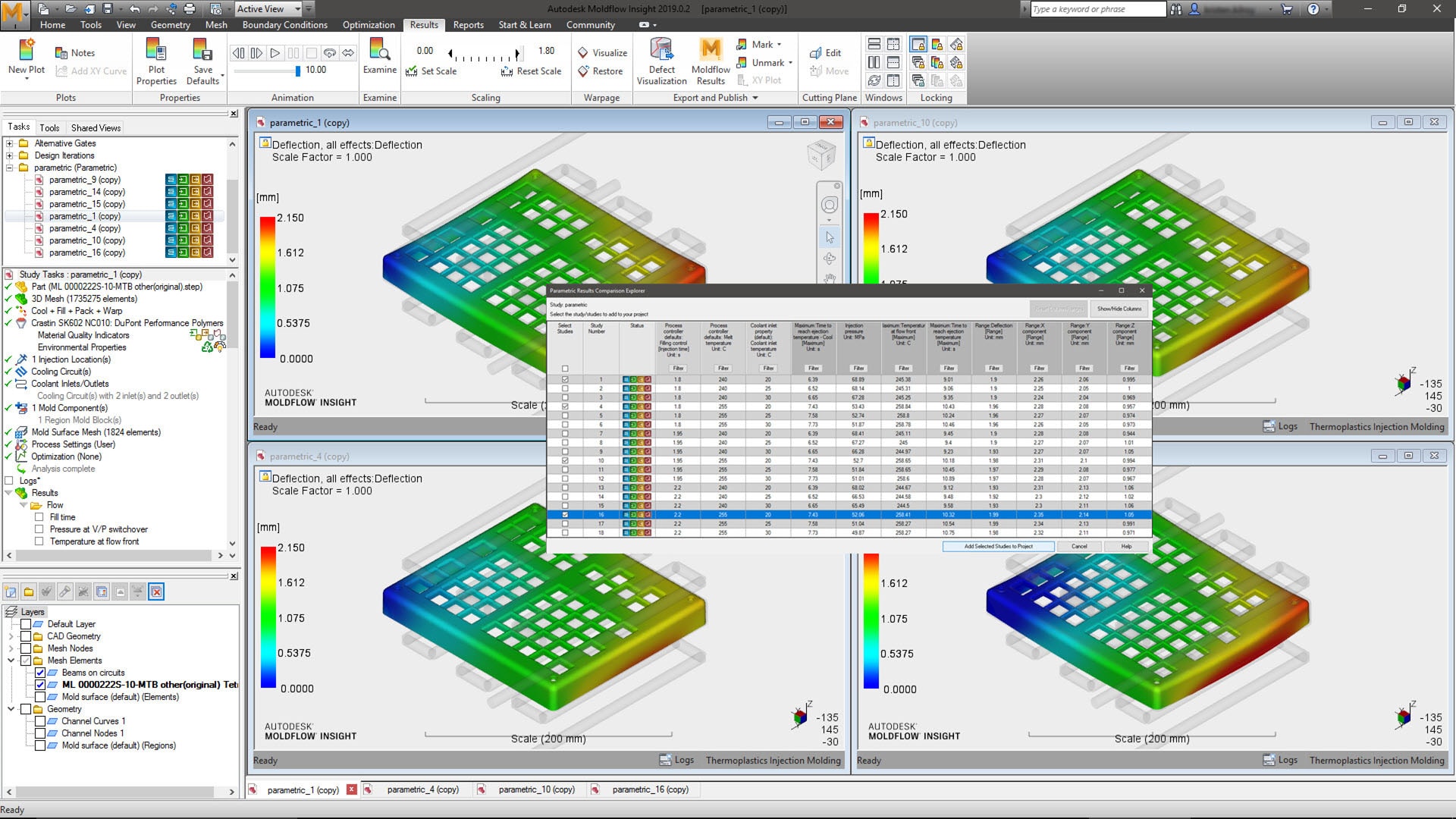
Autodesk Moldflow Insight offers particularly extensive and detailed analysis functions that enable designers and plastics engineers to solve even the most difficult problems. For example, Autodesk offers the possibility to calculate important topics such as core offset, internal gas pressure, multi-component injection molding, etc. and to react accordingly to the results.
Consider temperature control
The effects of appropriate temperature control can also be taken into account quickly and easily. All analyses can be output in standard formats such as Microsoft Word or PowerPoint using the automatic report output.
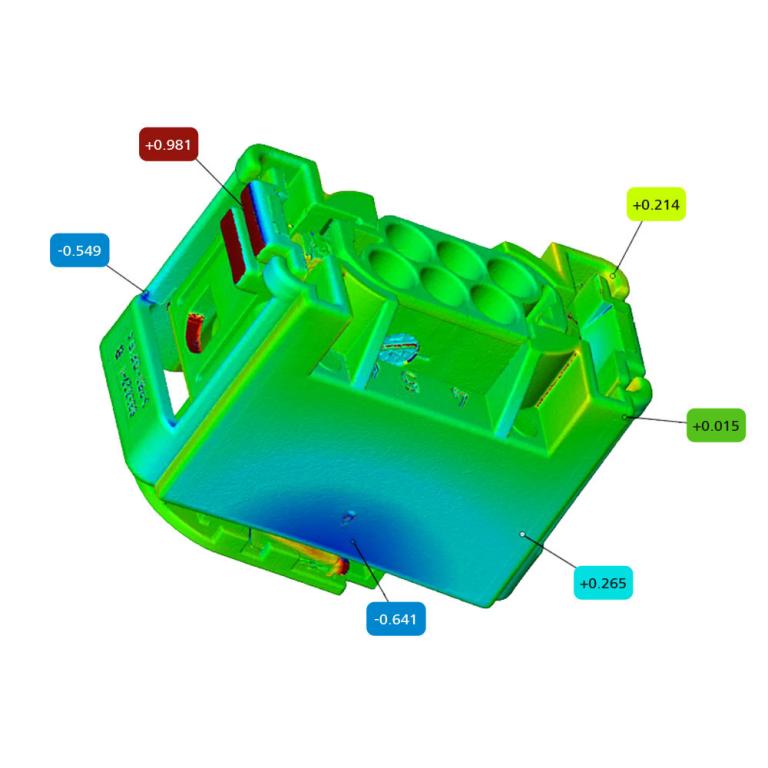
CHECK YOUR COMPONENT NOW FOR FREE:
Would you like to know if your plastic part is designed for injection molding?
Take advantage of our free quick check. Upload your CAD model and receive an initial expert assessment with specific optimization recommendations—before costly tooling changes become necessary.
✔ Upload a part
✔ Identify risks early
✔ Reduce tooling costs
✔ Achieve production readiness faster
Frequently asked questions (FAQs)
What is Autodesk Moldflow?
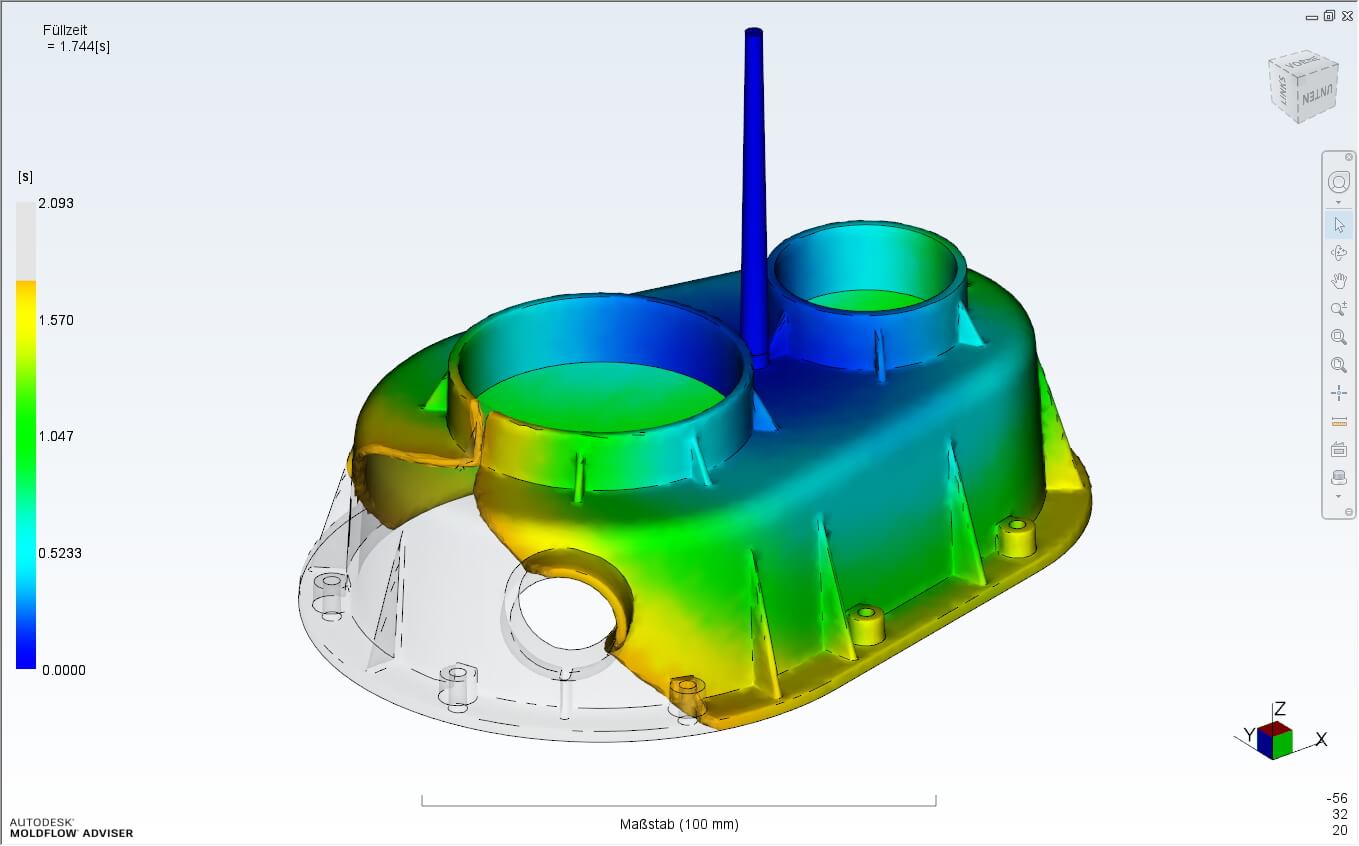
Autodesk Moldflow is used to simulate injection molding and injection compression molding processes for plastics.
Engineers, analysts and mold makers can use it to optimize material selection, process settings, cooling efficiency and gating system designs to minimize the risk of poor part quality.
Autodesk Moldflow simulations provide analysts with insights that help predict and potentially avoid defects in molded parts such as sink marks, weld lines and warpage. They can also investigate options for reducing cycle time.
Can I perform calculations in the cloud with Moldflow Insight?
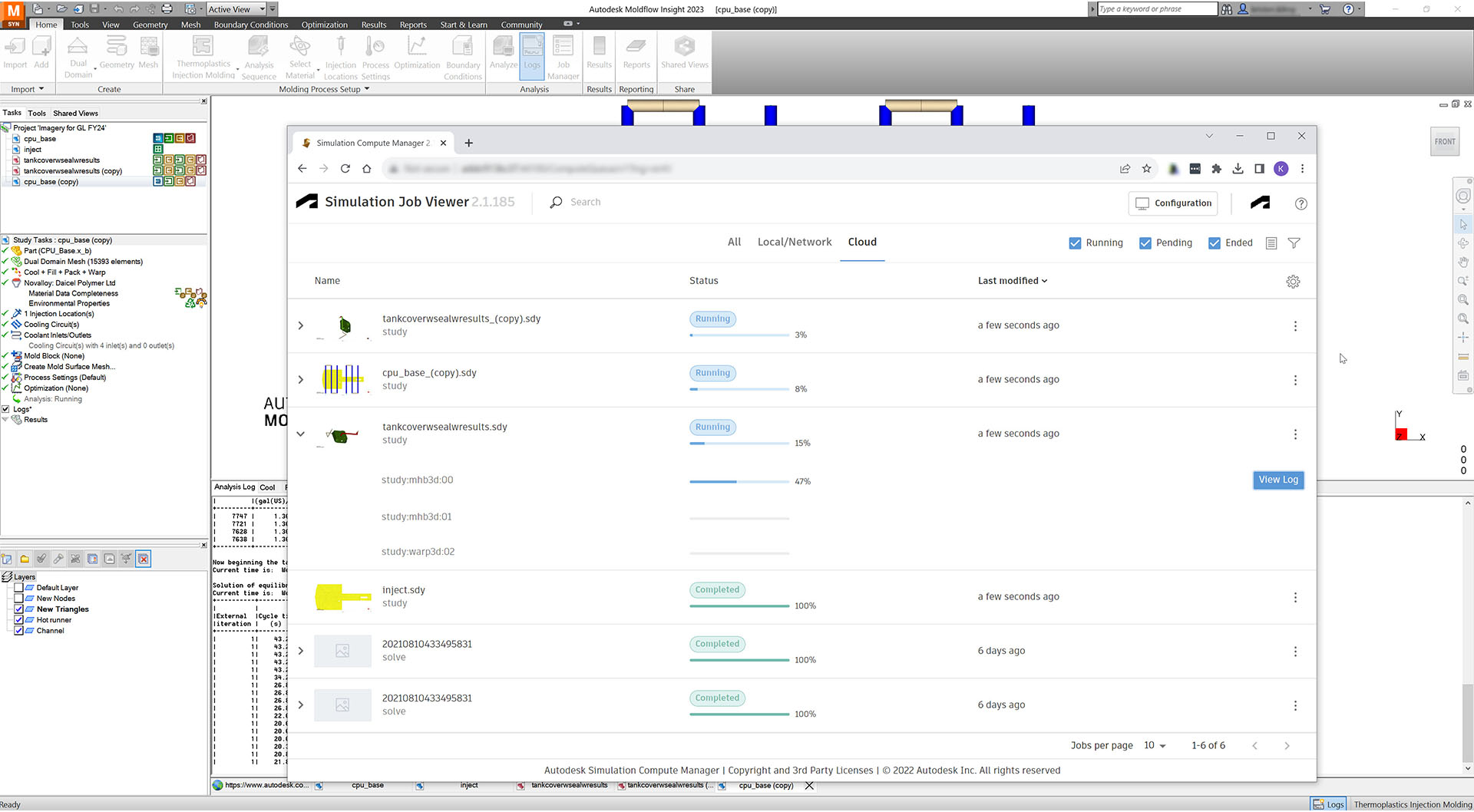
Moldflow Insight has an option for calculation in the cloud with Autodesk tokens. The cost of the cloud calculation varies depending on the simulation study type. This calculation in the cloud is provided in addition to the local and remote server calculation options from Moldflow Insight.
What is different about Moldflow Adviser and Moldflow Insight?
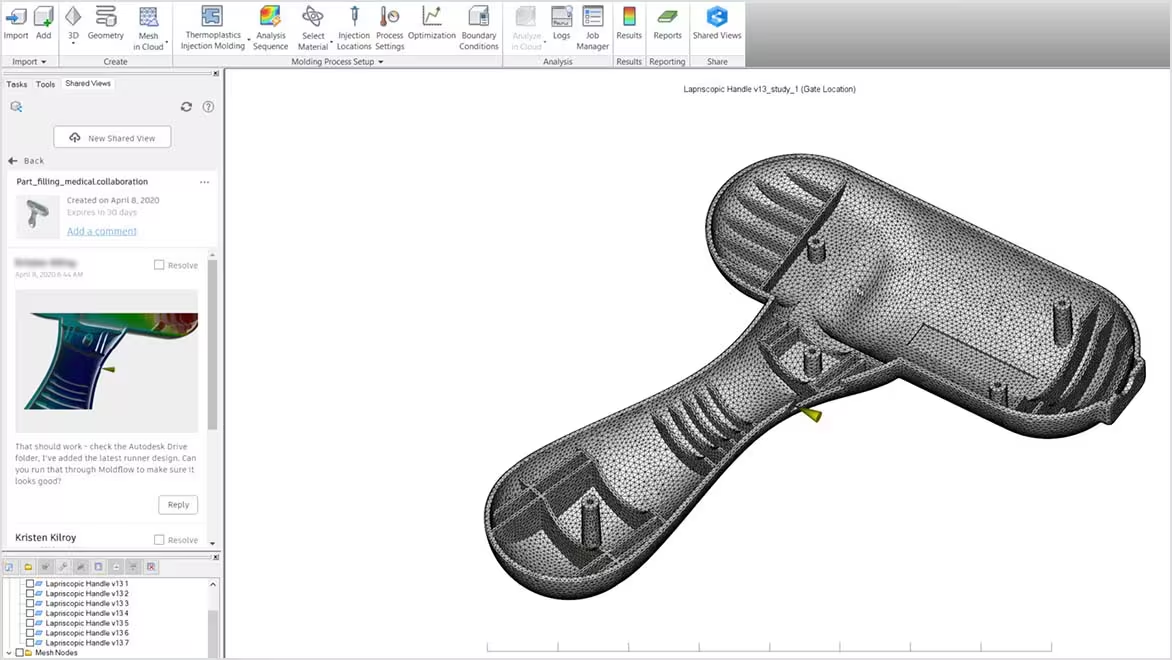
In contrast to Autodesk Moldflow Insight, the Adviser is designed for simulation during the design process. The use of Autodesk Moldflow Adviser is particularly simple and intuitive and supports the designer with essential information on filling, shrinkage, warpage, etc. and thus allows the designer to assess the design in the very early product development phase and design accordingly.